Aimbot
Sea of Thieves Soft Aim Settings Guide
Soft aim is the setting most Sea of Thieves players actually want: help tracking a moving pirate without snap-locking through a whole galleon crew. Here is how to tune smoothing and FOV for pistol, sniper, and blunderbuss fights.
Get Access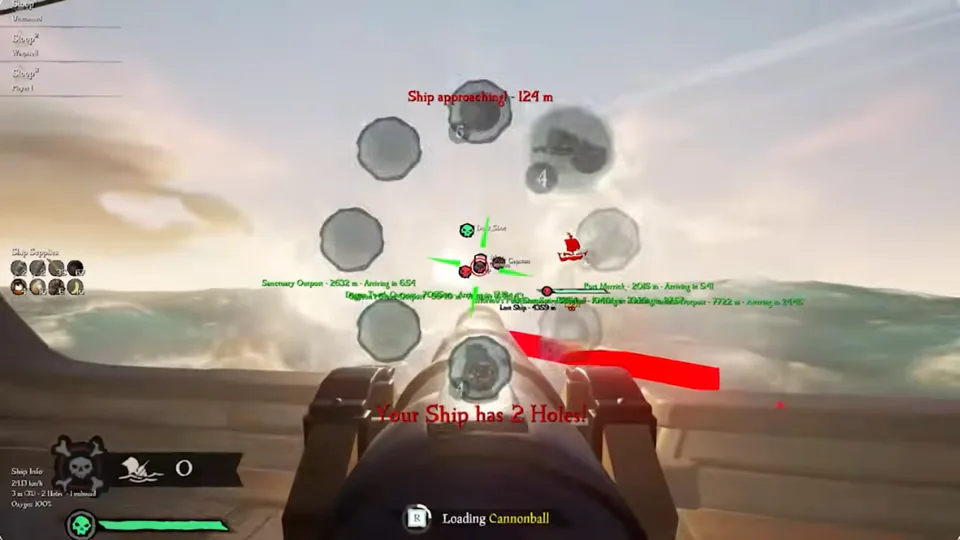
Soft aim vs full aimbot on Sea of Thieves
Full snap aim looks obvious in kill cams and attracts reports even on clean builds. Soft aim nudges your crosshair toward a target inside a small FOV circle — enough to win duels you already started, not enough to 360 no-scope a deck from the crow’s nest.
Start with high smoothness and a tight FOV. Widen FOV only after five sessions where you never feel the assist “pull” you into shots you did not mean to take.
Control reference: Sea of Thieves aimbot and the deeper aimbot settings guide.
Weapon profiles for naval combat
Pistols and eye of reach want lower smoothness and medium FOV — you are tracking one pirate on a moving deck. Blunderbuss fights need wider FOV but gentler pull because targets appear and vanish in milliseconds.
Cannon aim is a separate profile: longer smooth windows, larger FOV, and bone priority aimed at hull weak points rather than player skeletons.
Save profiles per weapon class so you are not fighting a sword duel with cannon sliders still active.
Pair soft aim with information tools
Soft aim finishes fights that ESP helps you choose. If you cannot see the boarder, perfect smoothing will not save you.
After patches, read Updates before retuning. Checkout includes the full stack on Sea of Thieves Cheats from $35/month.
Dial in soft aim over a full week
Change one slider per session — FOV first, then smoothness, then bone priority. Jumping all three at once makes it impossible to know what helped.
Cross-read aimbot settings and the aimbot page. After Rare patches, confirm status before retuning.
Official game guides & resources
We link to trusted third-party sources so you can verify patch notes, player stats, and map info outside our site.
- Sea of Thieves on PC Official store page, system requirements, and player reviews.
- Sea of Thieves patch notes & news Read official update posts before you change your loadout.
- Official Sea of Thieves website Game overview from Rare.
- Sea of Thieves Wiki (Fandom) Player stats, maps, and pirate abilities.
- Sea of Thieves community hub Announcements and community discussions.