Setup
How to Install Sea of Thieves Cheats on Windows
Most failed installs are environment issues, not broken software — overlays still running, wrong Windows build, or launching before the loader finishes. This is the short 2026 checklist we send buyers who email support.
Get Access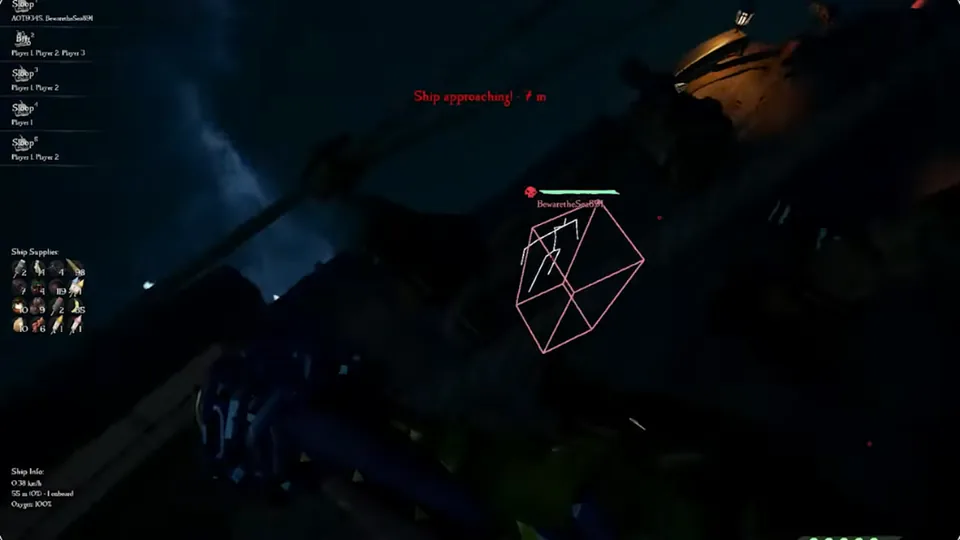
Before you download the loader
Close GeForce overlay, Discord overlay, and other injection-heavy tools. Run Windows Update so you are on a supported 10 or 11 build. Confirm Sea of Thieves itself launches cleanly without mods first.
Read status — installing during an active EAC rebuild wastes time.
Official game page: Sea of Thieves.
First launch: ESP, radar, then soft aim
Enable ship ESP and radar in harbor first. Sail one empty route to confirm blips match reality. Add player skeleton ESP on an island with AI only. Enable soft aim last with conservative FOV.
Detailed steps: Setup guide · Video-style walkthrough in mod menu guide.
When install fails — quick fixes
Run loader as administrator once. Whitelist the folder in Windows Defender if your license email says to. Reboot after graphics driver updates.
Still stuck? Email support with your order ID via Support. Buy access on Pricing if you have not checked out yet.
Install checklist you can reuse every patch
Close overlays → check status → run loader → harbor test with ship ESP → island test with player ESP → enable soft aim last.
Stuck? Support with your order ID. New license: Pricing · Menu tour: mod menu guide.
Official game guides & resources
We link to trusted third-party sources so you can verify patch notes, player stats, and map info outside our site.
- Sea of Thieves on PC Official store page, system requirements, and player reviews.
- Sea of Thieves patch notes & news Read official update posts before you change your loadout.
- Official Sea of Thieves website Game overview from Rare.
- Sea of Thieves Wiki (Fandom) Player stats, maps, and pirate abilities.
- Sea of Thieves community hub Announcements and community discussions.